

Why Harbor?
Every AI-powered development tool — Claude Code, Claude Desktop, Codex, VS Code, Cursor — has its own config file format for MCP servers. Adding a new server means editing multiple files, copying API keys around, and hoping nothing breaks. Harbor fixes this. You configure your servers once, and Harbor handles the rest.Key Features
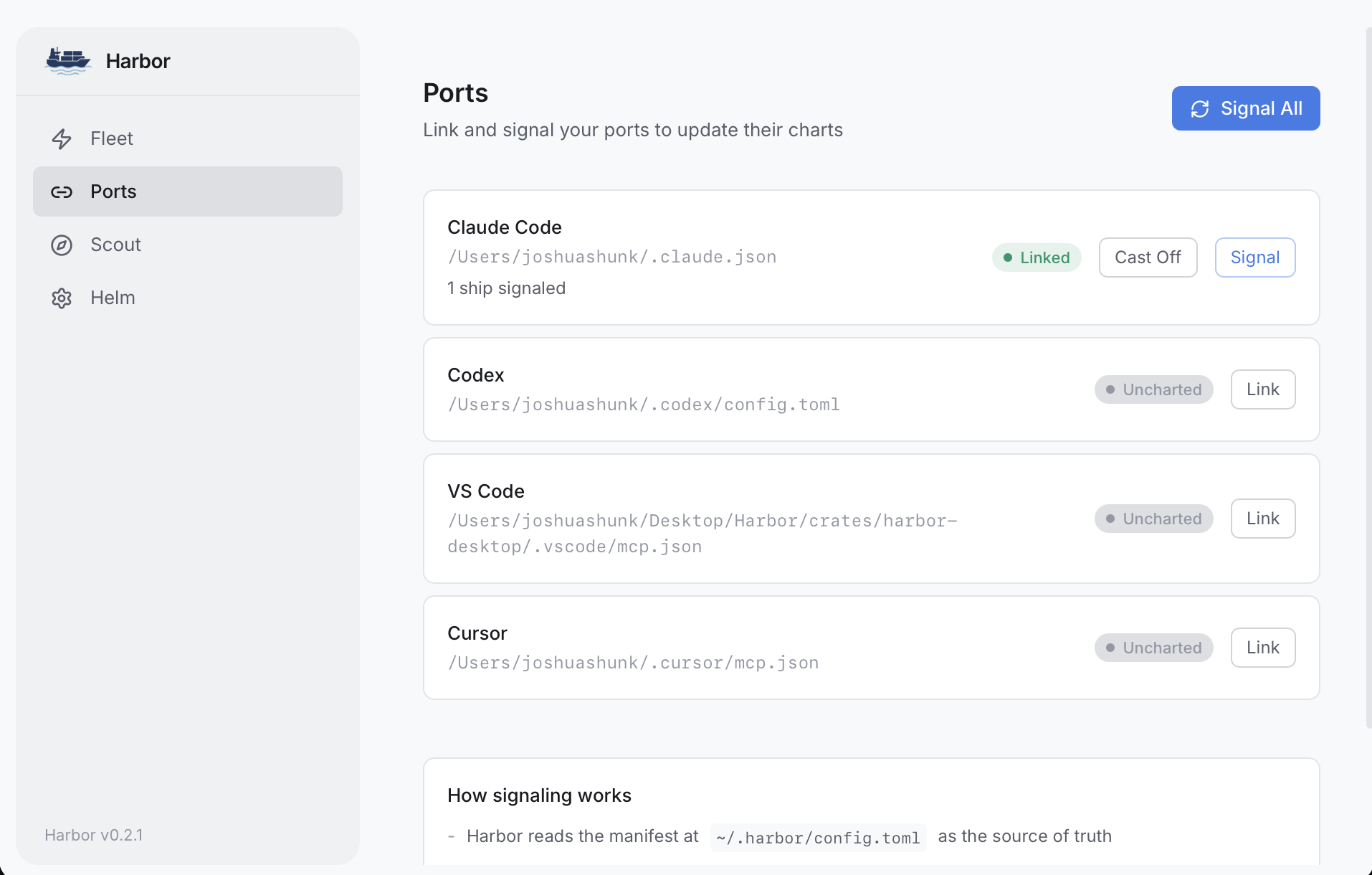
One Config, Every Host
Sync to Claude Code, Claude Desktop, Codex, VS Code, and Cursor simultaneously from a single source of truth.
Native Fleet
Dock curated servers like GitHub, Slack, Atlassian, Linear, and more with a single command. Built-in OAuth and API key management.
Marketplace
Search and install MCP servers from the MCP Registry without leaving the app.
OAuth Authentication
Built-in OAuth flows for 12+ providers — Slack, Atlassian, Linear, Notion, Sentry, Figma, Stripe, Vercel, Supabase, Cloudflare, Neon, and Google.
Secret Vault
Store API keys in your OS keychain and reference them as
vault:SECRET_NAME. Your secrets never end up in plain-text config files.Remote Servers
Connect to remote HTTP MCP servers (like GitHub, Slack, Atlassian) alongside local stdio servers. Auth tokens are injected automatically.
HTTP/SSE Gateway
Expose your MCP servers over HTTP with bearer token authentication for secure remote access and tool discovery.
Tool Filtering
Control which tools each server exposes with allowlists, blocklists, and per-host overrides.
Desktop + CLI
Full GUI built with Tauri, or use the CLI for automation and scripting.
Safe Merges
Harbor never overwrites your host configs — it merges its servers in alongside yours.
Team Fleet Sync
Share MCP server configs across your team via a git-backed fleet repo. Secrets stay local — only
vault:KEY_NAME references are committed.Get Started
Install Harbor
Download the desktop app or install the CLI.
Dock Your First Server
Add an MCP server and sync it to your hosts in under a minute.