Pages
The app is organized into five main sections, accessible from the sidebar:Fleet
Manage your docked MCP servers — add, remove, enable/disable, configure tool filters, and edit arguments.
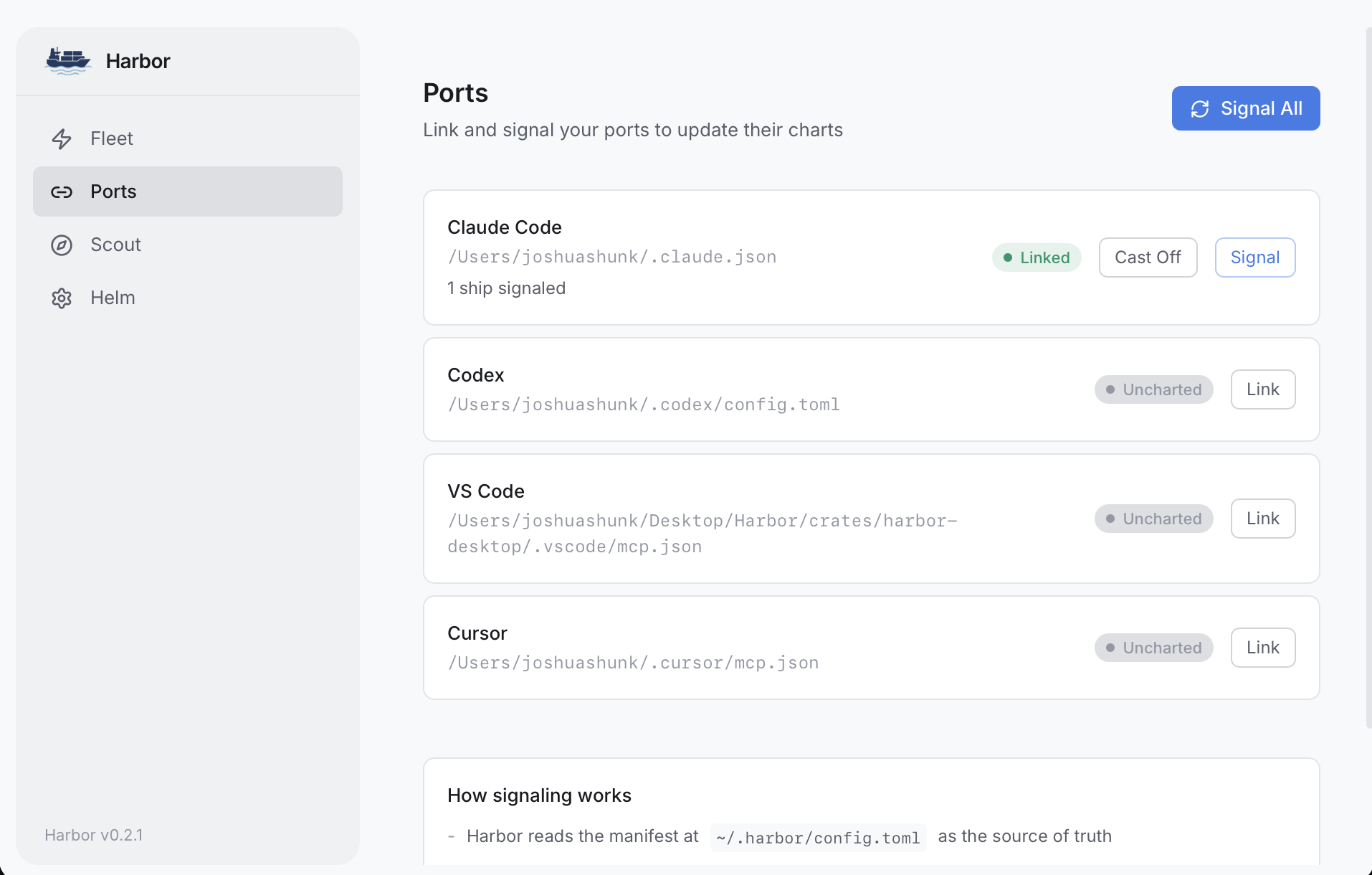
Ports
Connect to hosts like Claude Code, Claude Desktop, VS Code, Codex, and Cursor, then sync your fleet.
Scout
Browse the Native Fleet of one-click servers, or search the MCP Registry for community servers.
Lighthouse
Start and monitor the HTTP/SSE gateway, configure network access and authentication.
Helm
Manage secrets, OAuth providers, themes, and updates.
System Requirements
- macOS: Apple Silicon or Intel (macOS 11+)
- Windows: x86_64
- Linux: x86_64
Download
Download Harbor
Get the latest release from GitHub.